 Chess
ChessGuide
Chess.com move assistant: how real-time move help works
A move assistant sits between two worlds. It is not a training tool that reviews your game afterwards, and it is not a bot that plays instead of you. It watches your live game and tells you the best move while the clock runs. Here is how that works and what separates a good one from a liability.
What a move assistant actually is
A move assistant is software that reads your current position on Chess.com in real time, runs it through a chess engine, and shows you the strongest move before you touch a piece. You still make every move yourself. The assistant supplies the analysis; your hand stays on the mouse.
That distinction matters more than it sounds. Because you are the one moving, the game keeps a human layer by default: your reaction speed, your mouse movement, your decision to follow the suggestion or not. An auto-play bot has to fake all of that from scratch.
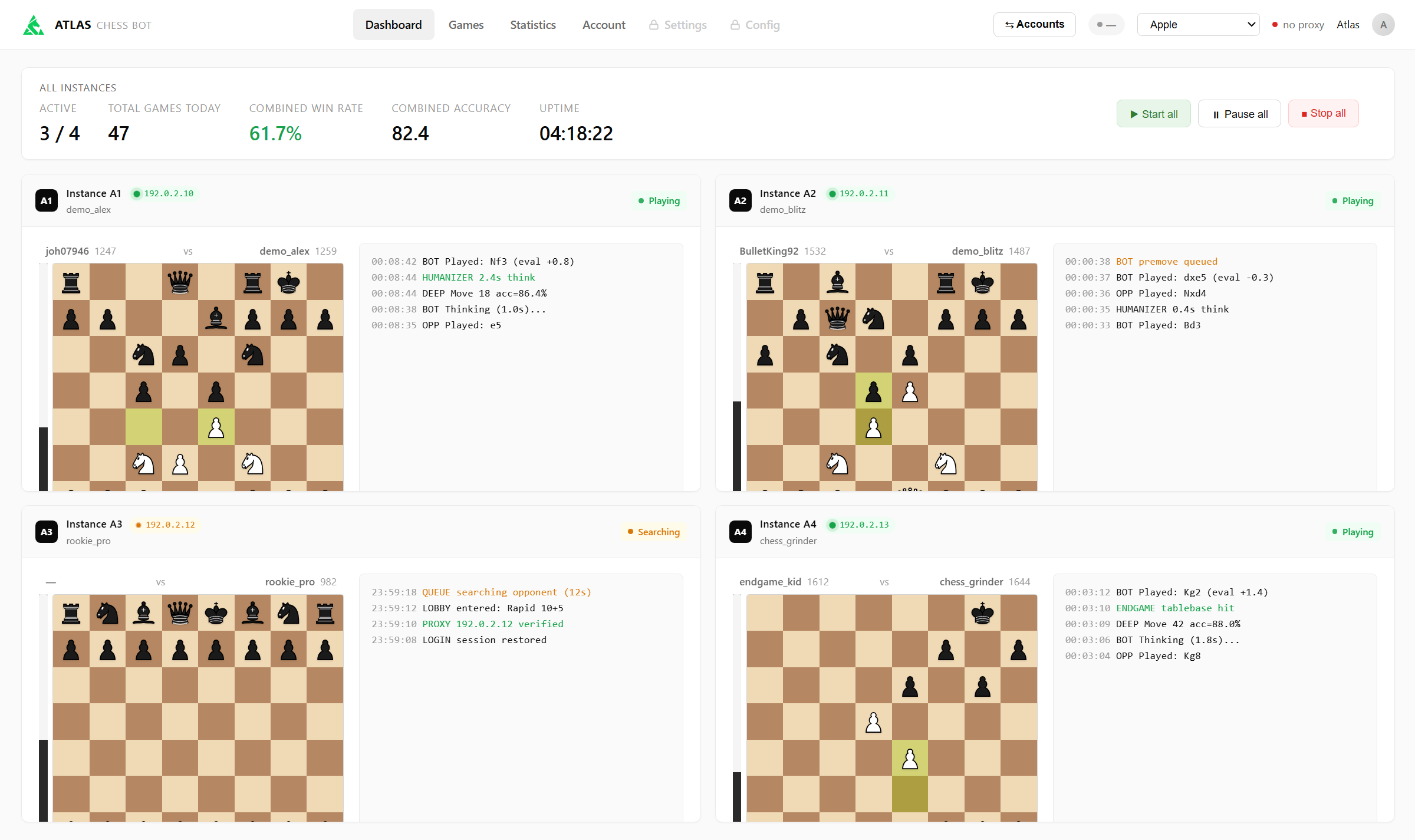
How it works under the hood
Every real-time assistant solves the same three problems:
- Reading the board. The assistant tracks the live position, every move you and your opponent make, as it happens. This has to be fast and it has to be exact; one misread square and every suggestion after it is garbage.
- Finding the move. The position goes to a chess engine, which searches deeper in a second than a grandmaster calculates in minutes. This is the easy, solved part.
- Showing it in time. In rapid you have all day. In blitz and bullet the suggestion has to be in front of you in well under a second to be worth anything. Speed is where cheap assistants quietly fail.
Assistant vs. auto-play bot
Both are covered in our overview of chess cheats for Chess.com, but the short version: an assistant suggests, a bot plays. A bot is hands-free and grinds games while you do something else. An assistant keeps you in the game, at your own pace, following as much or as little of the advice as you want. Chesscheats does both, an on-screen coach overlay and a full auto-play mode, so you choose per session which one fits.
What to look for before you trust one
- Real-time speed. If it cannot keep up with blitz, it is an analysis toy, not an assistant.
- Runs on your own PC. A desktop app you install beats a browser extension from an anonymous developer with full access to your Chess.com session.
- Human-like output. Even with you executing the moves, following a top engine line move for move is a pattern. A good assistant suggests believable moves for your level, not a correspondence-engine line. We explain why in is Chesscheats safe.
- Maintained. Chess.com changes constantly. An assistant that is not updated stops working, usually mid-game.
Where Chesscheats fits
Chesscheats is a desktop move assistant for Windows with real-time suggestions across bullet, blitz and rapid, plus an optional auto-play mode with anti-ban protection built in. It is actively maintained and designed around one idea: engine strength is worthless if the account does not survive. Use any assistance responsibly and at your own risk; see our responsible use page.
The best move, while the clock runs
Plans start at €10.00. Download the Chesscheats desktop app and play your first game today.
View plans